Get Started
Screenshot of n8n workflow
FREE TEMPLATE
Automate YouTube to X Social Promotion
4
Views
0
Downloads
6
Nodes
Download Template
Free
Preview Template
Utility Rating
6 / 10
Business Function
Marketing
Automation Orchestrator
n8n
Integrations
YouTube
X
OpenAI
Trigger Type
Schedule
Approx setup time ≈ 45 min
Need help setting up this template?
Ask in our free Futurise community
About
Community
Courses
Events
Members
Templates

How to Automate YouTube to X Social Promotion?

Leon Petrou
FREE TEMPLATE
Automate YouTube to X Social Promotion
4
Views
0
Downloads
6
Nodes
Download Template
Free
Preview Template
Utility Rating
6 / 10
Business Function
Marketing
Automation Orchestrator
n8n
Integrations
YouTube
X
OpenAI
Trigger Type
Schedule
Approximate setup time ≈ 45 minutes
Need help setting up this template?
Ask in our free Futurise community

Description

New videos need quick reach. This setup posts your latest YouTube upload to X with a short AI written caption. It is built for creators, brands, and social teams who want fast, hands off promotion.

Every 30 minutes a schedule runs. It checks your YouTube channel for a new video published in the last 30 minutes. If one is found, OpenAI writes a post under 140 characters and includes a direct youtu.be link that uses the video ID. The text is then sent to X and published on your account. This keeps your audience informed without manual work and helps you stay consistent after each upload.

You only need a YouTube channel ID, an X account with posting access, and an OpenAI API key. Expect minutes saved on each video and more steady traffic to your channel. Great for channels that release often, launch series content, or need timely updates across platforms.

Copy link

Tools Required

YouTube
Sign up
Free: $0, default quota 10,000 units/day
X
Sign up
Free tier: $0 / mo, 1000 API calls per workspace / mo
OpenAI
Sign up
Pay-as-you-go: GPT-5 at $1.25 per 1M input tokens and $10 per 1M output tokens
n8n
Sign up
$24 / mo or $20 / mo billed annually to use n8n in the cloud. However, the local or self-hosted n8n Community Edition is free.

What this workflow does?

  • Scheduled checks run every 30 minutes to catch new uploads
  • YouTube node filters for videos published in the last 30 minutes and returns only the newest one
  • OpenAI creates a short post under 140 characters and adds a direct youtu.be link using the video ID
  • X node publishes the AI caption to your account using OAuth2
  • Channel ID field targets the right channel and timing settings are easy to adjust

What are the benefits?

  • Reduce manual work from 15 minutes to under 1 minute per video
  • Publish to X within 30 minutes of a new YouTube upload
  • Automate 100% of cross posting for new videos
  • Eliminate copy paste errors by linking with the exact video ID
  • Connect YouTube, OpenAI, and X in one flow without context switching

How to set this up?

  1. Import the template into n8n: Create a new workflow in n8n > Click the three dots menu > Select 'Import from File' > Choose the downloaded JSON file.
  2. You'll need accounts with YouTube, X and OpenAI. See the Tools Required section above for links to create accounts with these services.
  3. Connect YouTube: double click the Fetch Latest Videos node. In the Credential to connect with dropdown, click Create new credential and follow the on screen steps to authorize your YouTube account with OAuth2.
  4. Connect X: double click the Post to X node. In the Credential to connect with dropdown, click Create new credential and follow the on screen steps to authorize your X account with posting permission.
  5. Connect OpenAI: double click the Generate Post for X with ChatGPT node. In the Credential to connect with dropdown, click Create new credential, then paste your OpenAI API key from your OpenAI account API page.
  6. Set the YouTube Channel ID: open the Fetch Latest Videos node and paste your Channel ID in the Channel ID field. If you do not know it, open youtube.com/account_advanced to find it.
  7. Review timing: the schedule is set to run every 30 minutes. Open the Check Every 30 Min node to change the interval if you want faster or slower checks.
  8. Understand detection: the YouTube node uses a published after filter set to the last 30 minutes. Adjust this window if your uploads may fall outside that time frame.
  9. Test the flow: upload a new video or temporarily change the published after filter to the last 24 hours. Click Execute Workflow and check the execution log to confirm the YouTube and OpenAI nodes return data.
  10. Verify posting: open your X profile to see the new post with the short caption and the youtu.be link. If no post appears, confirm the YouTube node returned an item and that the X credential has write access.
  11. Troubleshoot: fix a wrong Channel ID, reauthorize any credential that shows errors, check OpenAI quota if the AI step fails, and reduce rate limits by keeping the interval at or above several minutes.
  12. Turn it on: enable the workflow so it runs on schedule and promotes each new upload automatically.

Need help or want to customize this?

Similar Templates

n8n
Marketing
Automate YouTube SEO and Publishing
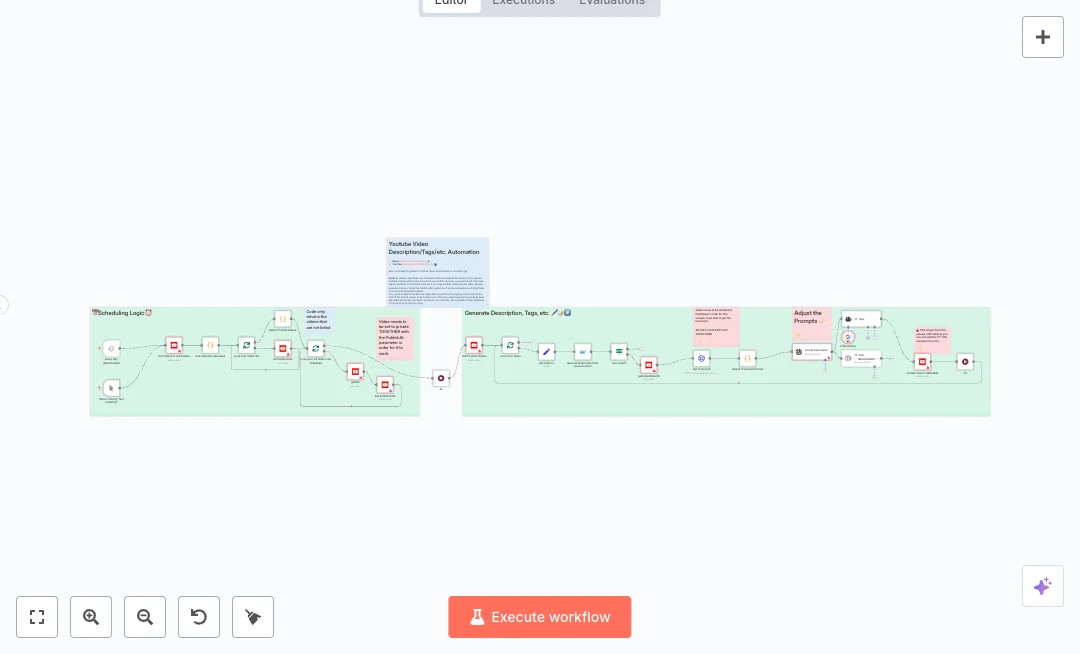
Grow your channel with less manual work. This automation finds your newest upload, writes a clear description, suggests strong tags, and updates video metadata. It also schedules private videos for publish dates so your content goes live on time. Ideal for creators, teams, and agencies that upload often and want consistent SEO. The flow runs on a daily schedule, and you can also test it on demand. It pulls recent videos from YouTube, removes repeats from earlier runs, and checks if there is a new item to process. A transcript is scraped through an API call, then formatted for clean prompts. OpenAI drafts the description and title, and Google Gemini helps generate keyword tags. The result is pushed back to YouTube, and short waits are added to avoid rate limits. A separate path scans private or not listed videos and sets the publishAt date when needed. Set YouTube OAuth, OpenAI and Google Gemini API keys, and an Apify token for the transcript call. Expect faster uploads, steady SEO quality, and fewer manual edits. This is useful for scheduled releases, daily content, or batches managed by a small team.
15 views
view
n8n
Marketing
Generate YouTube Shorts from Google Sheets
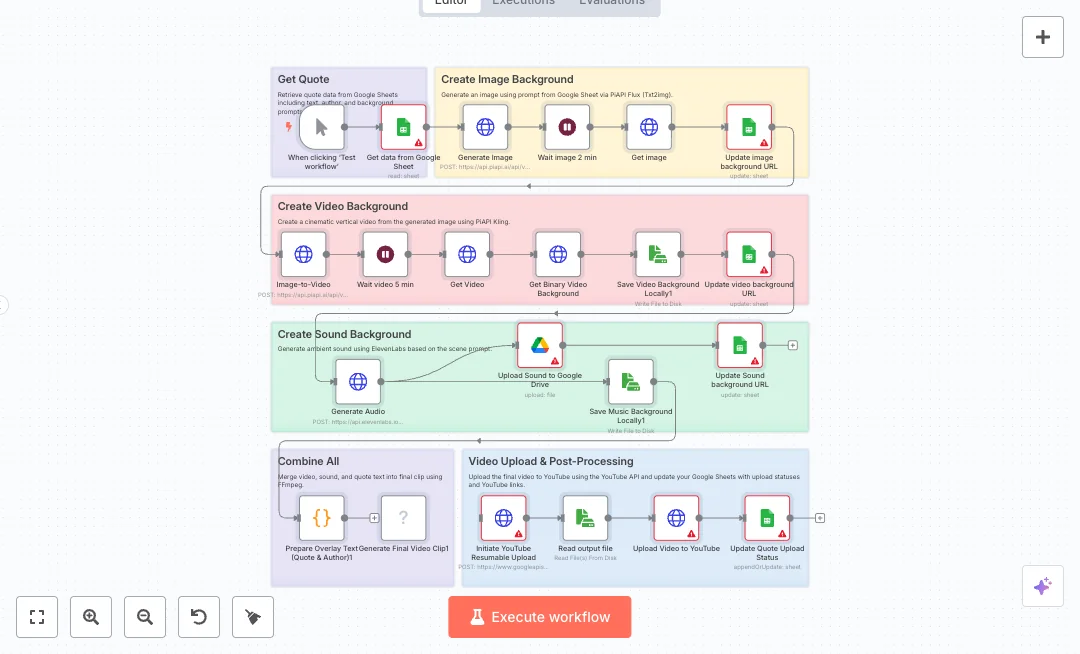
Create short videos for YouTube by pulling a quote and creative prompts from Google Sheets, building the background image and video with AI, adding ambient sound, and publishing the final clip to your channel. Great for social teams and creators who want steady content without manual editing. A manual start reads one row from Google Sheets with the quote, author, and scene prompts. The flow calls an image model to render a vertical image, waits, then writes the image link back to the sheet. It then sends that image to a video model to produce a cinematic vertical clip, waits again, downloads the file, and records the video link in the sheet. Audio is generated with a voice and sound service, stored to Google Drive, and the drive link is saved. A code node formats overlay text, then FFmpeg merges video, audio, and on screen text into a final MP4. The clip uploads to YouTube with a resumable upload, and the sheet is updated with status and the YouTube link. You will need API keys for the AI services, Google and YouTube OAuth, and FFmpeg installed on the n8n host. Expect one run to replace hours of editing with a repeatable system managed from a spreadsheet. Ideal for daily quotes, quick tips, or listicle shorts driven by your sheet.
13 views
view
n8n
Marketing
Analyze YouTube Videos for Content Insights
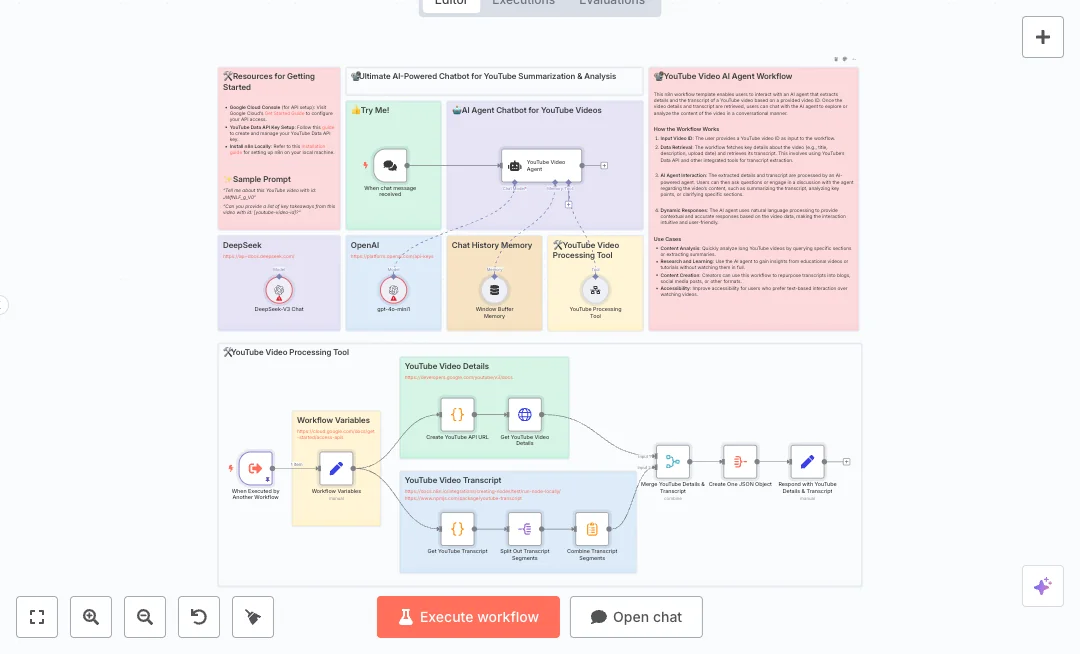
Turn any YouTube video into fast, useful insights your team can use. Enter a video ID and chat with an AI that knows the full transcript and video details. Great for content teams, researchers, and anyone who needs quick answers without watching the whole video. Behind the scenes, a chat trigger starts a conversation and keeps history so the AI remembers context. A custom tool builds a YouTube Data API request and pulls title, description, and publish date. Code also collects the video transcript, splits it into parts, and combines it into one clean text block. The workflow then merges details and transcript into one JSON object. An AI agent powered by an OpenAI model reads this data and answers questions, summarizes content, and points to key moments. To set it up, you need a YouTube Data API key from Google Cloud and an OpenAI API key. DeepSeek is optional and can be added if you want more model choices. Expect faster research, less manual viewing time, and better reuse of video content. Common uses include building summaries for blogs, pulling quotes for social posts, and reviewing long training videos in minutes.
6 views
view
See More Templates

Credits: Video tutorial - these templates were sourced from publicly available materials across the web, including n8n’s official website, YouTube and public GitHub repositories. We have consolidated and categorized them for easy search and filtering, and supplemented them with links to integrations, step-by-step setup instructions, and personalized support in the Futurise community. Content in this library is provided for education, evaluation and internal use. Users are responsible for checking and complying with the license terms with the author of the templates before commercial use or redistribution. If you are the author and would like this template removed from the template library, email us at info@futurise.com and we will remove it promptly.