


How to Automate Notion Product Feedback and AI Use Cases from Sales Calls?


Description
Turn AI summaries from sales calls into clean Notion records. The flow sorts content into AI use cases, product feedback, and a simple flag for AI mentions on the call. It keeps teams aligned and gives sales and product a single source of truth.
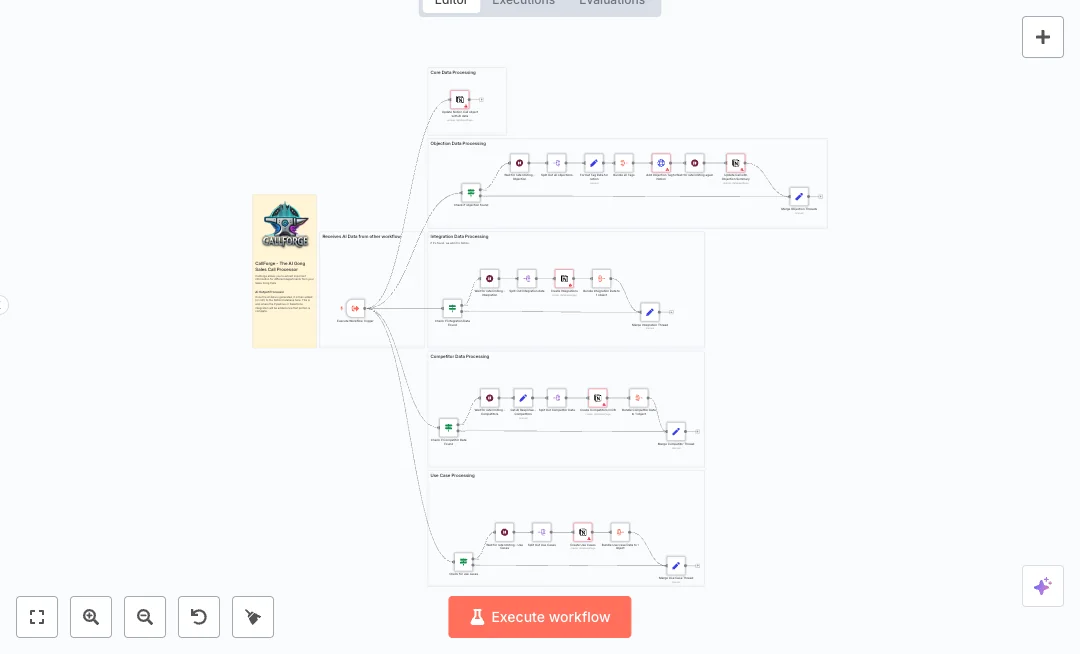
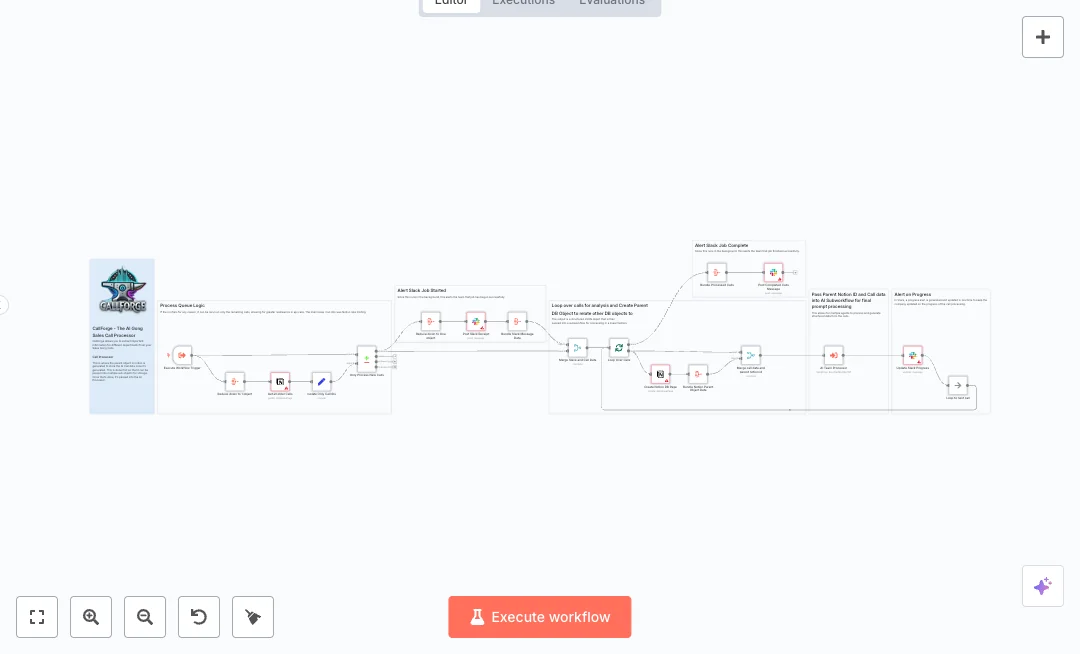
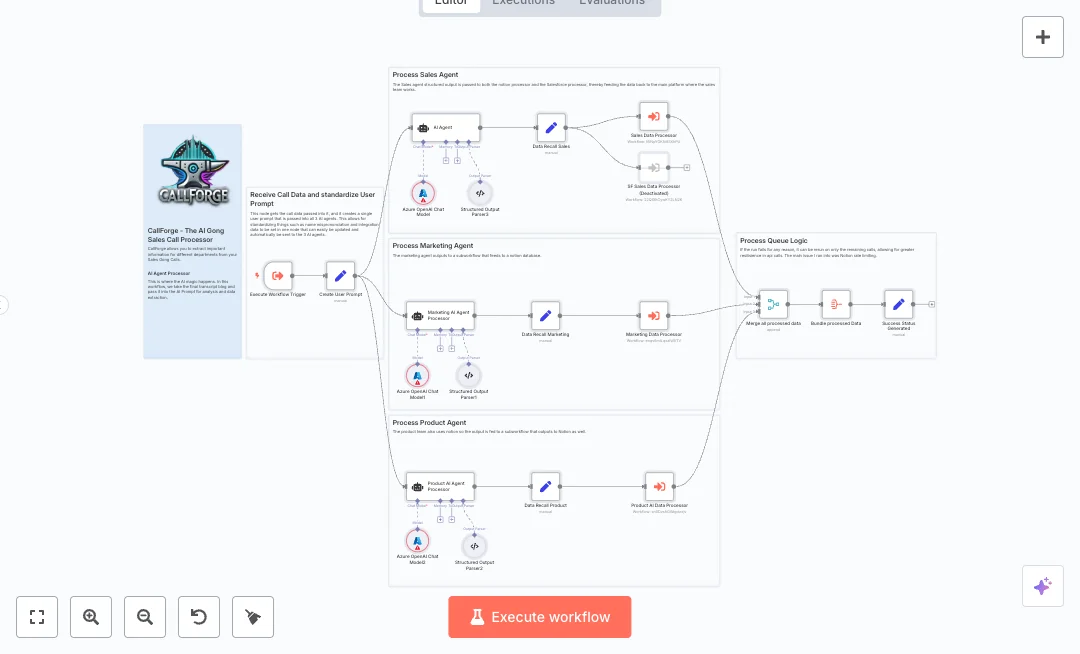
Data arrives from a parent workflow through an Execute Workflow Trigger. Three checks decide what to store: product data, AI use case content, and whether AI was mentioned. Wait steps control write speed to respect rate limits. The flow creates pages in two Notion databases, splits product items into separate entries, bundles records for summaries, merges threads, and updates the call page with a short AI data summary. This structure reduces back and forth and keeps details easy to find.
To run it, you need Notion and access to the databases used for AI use cases, product feedback, and call records. Expect less manual note taking, faster handoffs, and better tracking across calls. Great for sales and RevOps teams that analyze call transcripts and want product insights captured without extra work.

Tools Required
What this workflow does?
- Executes on data passed from another workflow using Execute Workflow Trigger
- Checks for product data, AI use case content, and AI mention flags with If nodes
- Controls Notion write speed with Wait nodes to avoid rate limits
- Creates Notion pages for AI use cases in a dedicated database
- Splits product items into separate Notion records for clear tracking
- Bundles multiple records into a single summary object with Aggregate nodes
- Merges content threads and prepares a clean payload for updates using Set nodes
- Updates the original call record in Notion with an AI data summary
What are the benefits?
- Reduce manual logging from 60 minutes to under 5 minutes per call
- Automate 90 percent of repetitive updates to Notion call pages
- Improve data accuracy by 80 percent by removing copy and paste errors
- Handle 3 times more call summaries without adding headcount
- Connect Notion with your AI output so sales and product see the same facts
How to set this up?
- Import the template into n8n: Create a new workflow in n8n > Click the three dots menu > Select 'Import from File' > Choose the downloaded JSON file.
- You'll need accounts with Notion. See the Tools Required section above for links to create accounts with these services.
- In Notion, create or identify three databases: one for AI use cases, one for product feedback, and one for call records. Add properties that match your needs, such as Company, Department, Sentiment, Feedback, and Date.
- In n8n, open each Notion node and set credentials: double click the node, then on the 'Credential to connect with' dropdown, click 'Create new credential', then follow the on screen instructions to integrate that service.
- In each Notion node, choose the correct database in the Database field. Match property names to your Notion database properties so titles, multi select fields, and dates map correctly.
- Review the Wait nodes named Wait for rate limiting. Keep a short delay if you see rate limit errors. If they are set to wait for a webhook, leave them as is and let the flow resume automatically.
- Check the If nodes for the fields used to detect product data, AI use case data, and AI mentions. Make sure your upstream payload includes these keys.
- Create a short parent workflow with an Execute Workflow node that calls this workflow. Pass a sample JSON item with metaData, AIoutput, and any product feedback fields so you can test end to end.
- Run a test from the parent workflow. Confirm new pages appear in the AI use case and Product Feedback databases and that the call page shows the AI data summary.
- If you get 429 rate limit errors, increase the delay in the Wait nodes. If fields do not save, align property names in the Notion nodes with your database schema.
- Once tested, enable both workflows. Monitor the first few runs and adjust delays or field mappings as needed.
Need help or want to customize this?
Ask in the Free Futurise Community.
Similar Templates
These templates were sourced from publicly available materials across the web, including n8n’s official website, YouTube and public GitHub repositories. We have consolidated and categorized them for easy search and filtering, and supplemented them with links to integrations, step-by-step setup instructions, and personalized support in the Futurise community. Content in this library is provided for education, evaluation and internal use. Users are responsible for checking and complying with the license terms with the author of the templates before commercial use or redistribution.Where an original author was identified, attribution has been provided. Some templates did not include author information. If you know who created this template, please let us know so we can add the appropriate credit and reference link. If you are the author and would like this template removed from the library, email us at info@futurise.com and we will remove it promptly.
