Get Started
Screenshot of n8n workflow
FREE TEMPLATE
Automate n8n to Google Drive Backups
14
Views
0
Downloads
6
Nodes
Download Template
Free
Preview Template
Utility Rating
6 / 10
Business Function
IT
Automation Orchestrator
n8n
Integrations
n8n API
Google Drive
Trigger Type
Schedule
Approx setup time ≈ 35 min
Need help setting up this template?
Ask in our free Futurise community
About
Community
Courses
Events
Members
Templates

How to Automate n8n to Google Drive Backups?

Leon Petrou
FREE TEMPLATE
Automate n8n to Google Drive Backups
14
Views
0
Downloads
6
Nodes
Download Template
Free
Preview Template
Utility Rating
6 / 10
Business Function
IT
Automation Orchestrator
n8n
Integrations
n8n API
Google Drive
Trigger Type
Schedule
Approximate setup time ≈ 35 minutes
Need help setting up this template?
Ask in our free Futurise community

Description

Keep a safe copy of every n8n workflow in Google Drive without lifting a finger. It is ideal for teams that want simple backups for disaster recovery, audits, and migrations. Run it on a set time and know your work is protected.

A schedule starts the run at a chosen time. A settings node holds the Google Drive folder link so you can change it in one place. The n8n node pulls all workflows from your account. A code step turns each workflow into a JSON file and prepares it for upload. The Google Drive node saves each file into your chosen folder using the workflow name. This design reduces risk, speeds up recovery, and keeps backups easy to find.

You only need access to a Google Drive folder and n8n credentials. Paste the folder URL into the settings node, connect the Google Drive and n8n credentials, and adjust the time. Expect one JSON file per workflow in your Drive. Many teams use it before big edits, when moving to a new n8n instance, or to keep proof of change history for reviews.

Copy link

Tools Required

n8n API
Sign up
Community Edition (self-hosted): $0 (public REST API available). Cloud Starter: $20 / mo billed annually ($24 monthly); API unavailable during free trial.
n8n
Sign up
$24 / mo or $20 / mo billed annually to use n8n in the cloud. However, the local or self-hosted n8n Community Edition is free.
Google Drive
Sign up
Drive API: $0 (no additional cost; quota-limited)

What this workflow does?

  • Scheduled run at a set time using a schedule trigger
  • Central folder control with a settings node that stores the Google Drive URL
  • Fetches every workflow from your n8n account with the n8n API node
  • Converts each workflow to a JSON file in the code step and attaches it as binary
  • Uploads each file to Google Drive and names it with the workflow name plus .json

What are the benefits?

  • Reduce manual backup work from 60 minutes to 2 minutes per week
  • Automate 100 percent of workflow backups on a set schedule
  • Improve recovery accuracy by saving exact JSON definitions
  • Connect n8n and Google Drive without custom scripts
  • Scale to hundreds of workflows with the same setup

How to set this up?

  1. Import the template into n8n: Create a new workflow in n8n > Click the three dots menu > Select 'Import from File' > Choose the downloaded JSON file.
  2. You'll need accounts with Google Drive and n8n. See the Tools Required section above for links to create accounts with these services.
  3. In n8n, open the Credentials section. Double click the Google Drive node, then in the Credential to connect with dropdown, click Create new credential and follow the on screen steps to grant access to your Drive.
  4. Double click the Get all n8n Workflows node. In the Credential to connect with dropdown, click Create new credential and follow the on screen steps to connect to your n8n account.
  5. In Google Drive, create or choose a folder for backups. Copy the folder URL from your browser.
  6. Open the Parameters node and replace the directory value with your Google Drive folder URL. Save your changes.
  7. Open the Schedule Trigger and set the hour and minute you want the backup to run. Confirm the timezone in your n8n settings.
  8. Click Execute Workflow to run a test. When it finishes, check the target Google Drive folder for JSON files named after your workflows.
  9. If no files appear, confirm the folder URL is correct, the Google Drive credential has file access, and the Google Drive node is set to use the URL mode for the folder field.
  10. Open one JSON file to verify content. It should show the workflow name and nodes in JSON format.
  11. Activate the workflow. Check the next scheduled run and confirm new files are created or updated as expected.

Need help or want to customize this?

Similar Templates

n8n
IT
Generate n8n Workflow Analytics
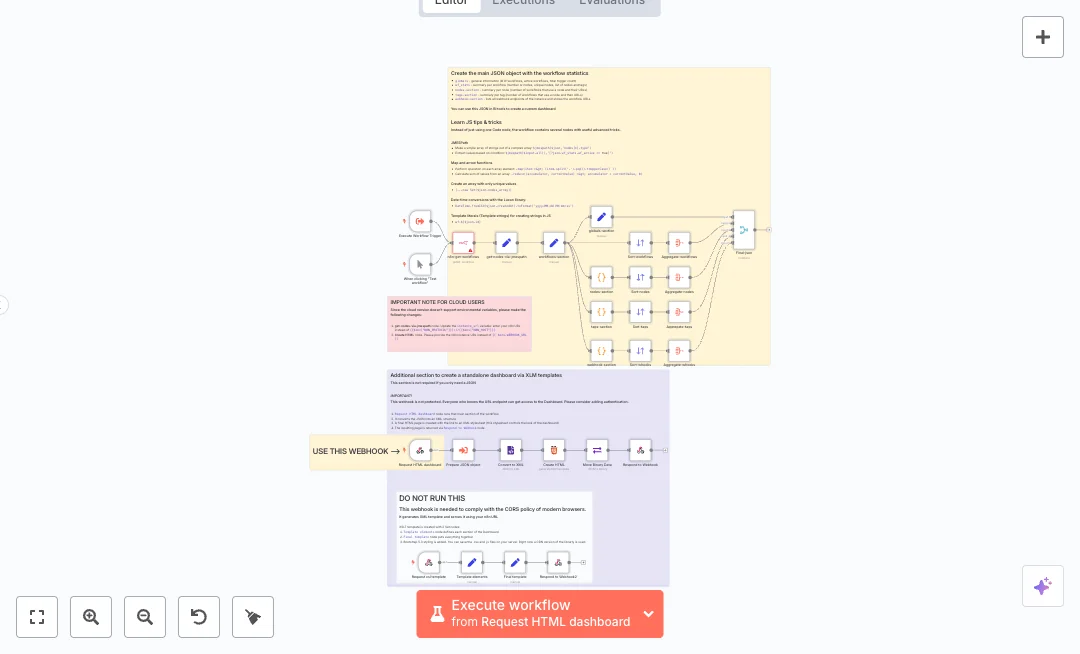
Get a live view of your n8n instance without manual checks. The workflow builds a full inventory of workflows, nodes, tags, and webhook URLs, then serves it as JSON and as a simple HTML dashboard. It fits teams that maintain many automations and need quick insight. Data is pulled from your n8n API and shaped into clear sections. Code nodes and JMESPath create lists and counts for each workflow, node type, and tag. Sort and Aggregate nodes rank the most used nodes and group related items. A webhook endpoint delivers an HTML page that reads XML data through an XSLT template. Another webhook returns the stylesheet so the page loads in the browser. A final JSON object can feed BI tools for deeper charts and reports. Setup needs an n8n API credential and your base URL. Cloud users may replace environment variables with direct URLs in the noted nodes. Expect faster audits, fewer errors in reporting, and clear visibility of active and idle flows. Teams use it to track growth, spot risky public webhooks, and plan refactoring work.
10 views
view
n8n
IT
Restore GitHub Backups to n8n Credentials
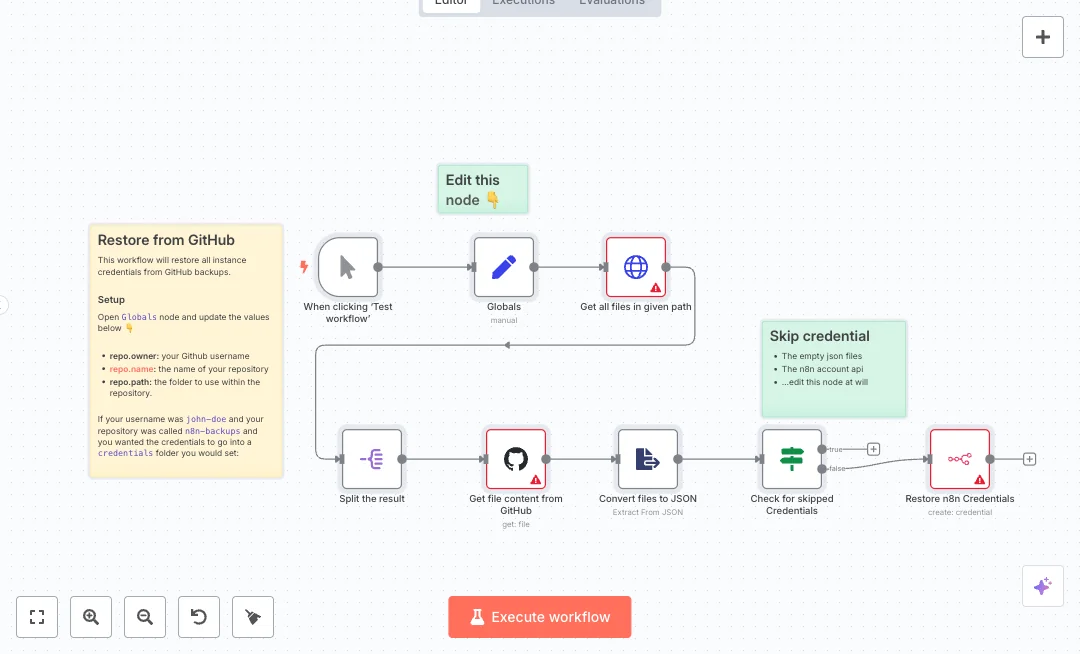
Recover your n8n credentials from a GitHub backup in a few clicks. Ideal for teams that need to rebuild an instance, migrate to a new server, or load a fresh workspace after a reset. You get a simple way to bring back many credentials without copy and paste. Here is how it works. You start the run manually. A Globals step stores the GitHub owner, repo, and folder path. The workflow calls the GitHub API to list every file in that folder, then splits the list and pulls each file content. It reads each JSON file, skips empty or blocked items with a check step, and sends valid data to the n8n API to create credentials with the right name and type. This gives you a clean restore, even when there are many files. Set your GitHub and n8n credentials first. Update the Globals values with your repo details. Test the list call to confirm the folder and files are correct, then run the full restore. Expect hours of manual setup to drop to minutes, fewer errors, and an easier way to move between environments. Use it for recovery after an incident, seeding new spaces, or setting up test data for a dev team.
13 views
view
n8n
IT
Audit n8n Credential Usage
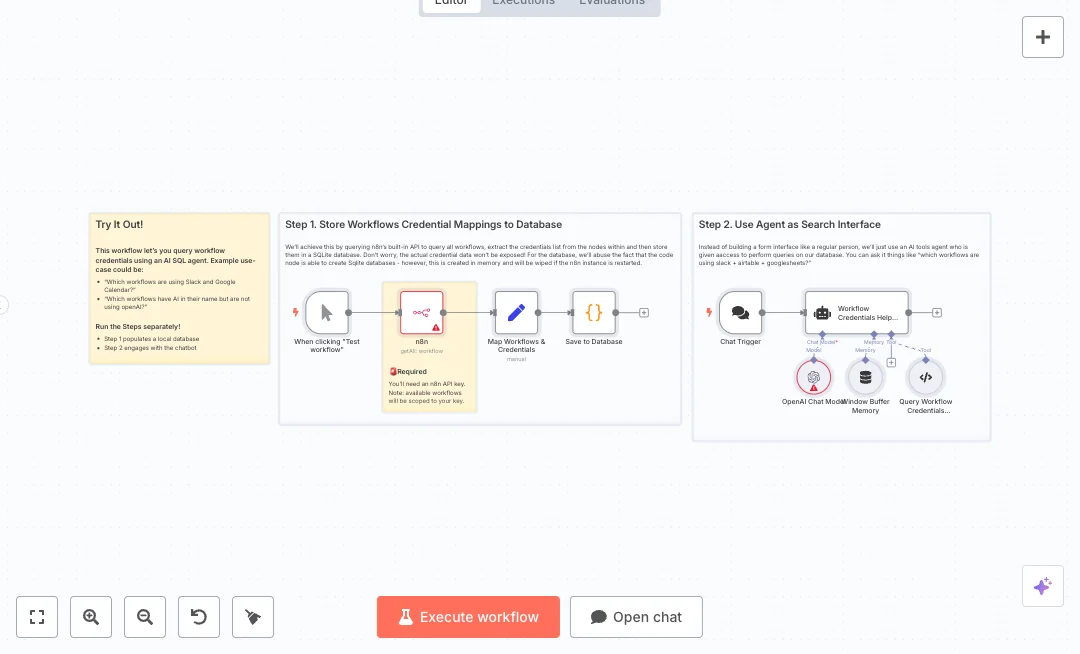
Quickly see which n8n workflows use which app credentials. Ask questions in plain English and get instant answers, like which projects use Slack and Google Sheets. Built for IT and operations teams that need fast visibility and safer change control. The build has two parts. First, a manual run calls the n8n API to list all workflows, maps each workflow’s name and credential list, and writes that data into a small SQLite table. Second, a chat entry point lets you type a question. An AI model turns your words into a SQL query, runs it against the local database, and replies with the result. A short memory keeps the conversation context so you can refine your search. You will need an n8n API key and an OpenAI API key. Run the data load step to rebuild the database, then use the chat interface to search. Expect faster audits, quicker impact checks during credential rotation, and fewer missed dependencies. If your n8n instance restarts, rebuild the database by running the first step again. Teams with many automations will save hours each month by avoiding manual checks.
8 views
view
See More Templates

These templates were sourced from publicly available materials across the web, including n8n’s official website, YouTube and public GitHub repositories. We have consolidated and categorized them for easy search and filtering, and supplemented them with links to integrations, step-by-step setup instructions, and personalized support in the Futurise community. Content in this library is provided for education, evaluation and internal use. Users are responsible for checking and complying with the license terms with the author of the templates before commercial use or redistribution.Where an original author was identified, attribution has been provided. Some templates did not include author information. If you know who created this template, please let us know so we can add the appropriate credit and reference link. If you are the author and would like this template removed from the library, email us at info@futurise.com and we will remove it promptly.